Last Updated:
.png)
If you've spent any time in Claude or ChatGPT lately, you've probably seen the word "skill" pop up. And like a lot of entrepreneurs, you might be wondering "is this a plugin?" or "do I need to know how to code for this?" The short answer for both questions: no. Here's the non-technical breakdown.
Think of a skill as a mini instruction manual you hand your AI. It's a packaged set of steps, formatting rules, and examples that tells the model exactly how you want a specific task done. It can write a caption in your brand voice, format a content calendar the way you like it, or pull data into the report template your team already uses.
Upload it once, and it applies every time. Instead of re-explaining your preferences in every new chat, you're building a repeatable system for the tasks you already do over and over.
How to Add a Skill in Claude
Adding one is simpler than it sounds:
How to Create Your Own Skill in Claude
You don't need a Claude Project for this to work. Once it's toggled on, the skill is available in any chat, and Claude automatically detects when it applies based on what you ask. If you want to be sure it will be used for a certain task, you can also trigger it directly by typing /skill-name.
If you're used to keeping a doc of your "greatest hits" prompts and copy-pasting them into every new chat, skills solve the exact problem that creates. Prompts are static, so you have to manually re-paste them each time, and they don't evolve with you. A skill is a saved, updatable set of instructions you can execute anytime, and you can reshape it as your business or content style changes.
There are two ways to build your skills library:
Myth: You need to know how to code to use a skill. Fact: A skill is just instructions in plain language. Most don't touch code at all.
Myth: One skill can do everything. Fact: Skills are built for specific tasks. The best AI workflows use a handful that work together. There’s not one "do-it-all" skill that can realistically cover your entire content process.
The real unlock with skills is the consistency. If you're already leaning on AI for parts of your content process (batching captions, drafting a content calendar, brainstorming your next Reel), a skill just means you stop re-teaching the AI your preferences every time you open a new chat. Check out our Claude set up guide, built for whatever stage of AI learning your in, from Beginner to Advanced.
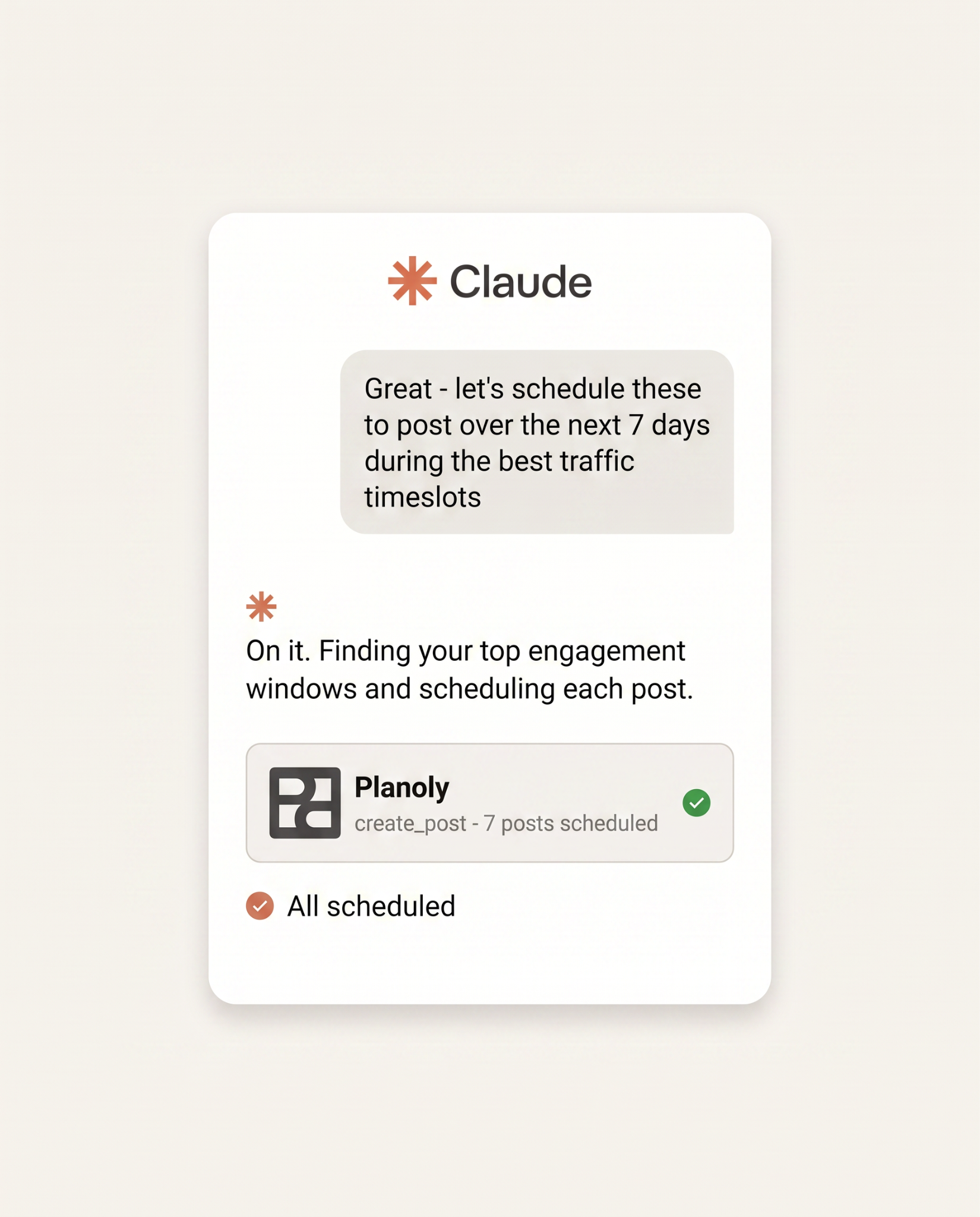
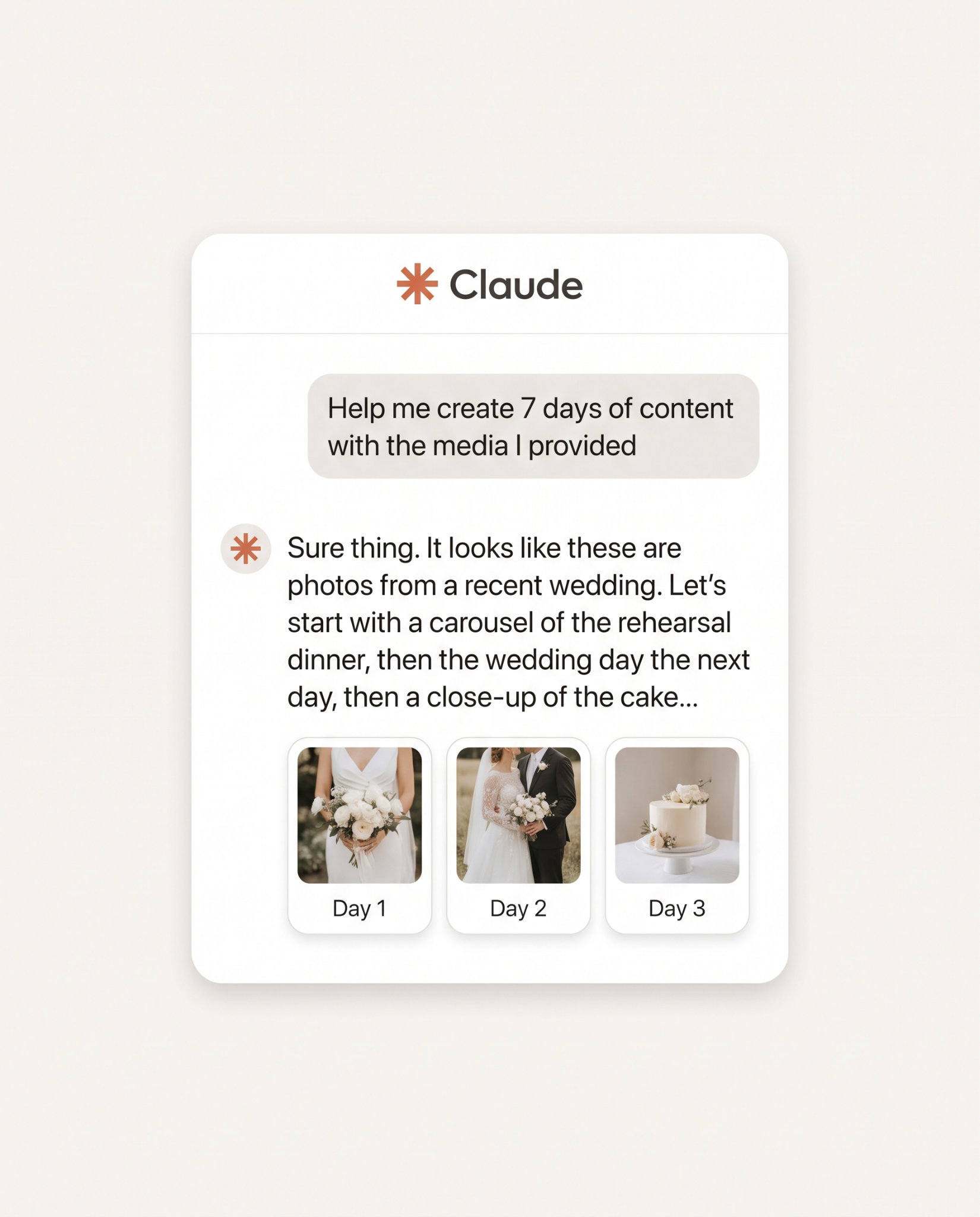
Here’s a list of skills we’ve been loving, free for you to download:
Have a favorite skill you've built or downloaded? Want a walk-through on how to set up a skill and send content to your Planoly account? We'd love to hear what's actually saving you time or blocking your workflow. Schedule a 1:1 call with our AI specialist here.